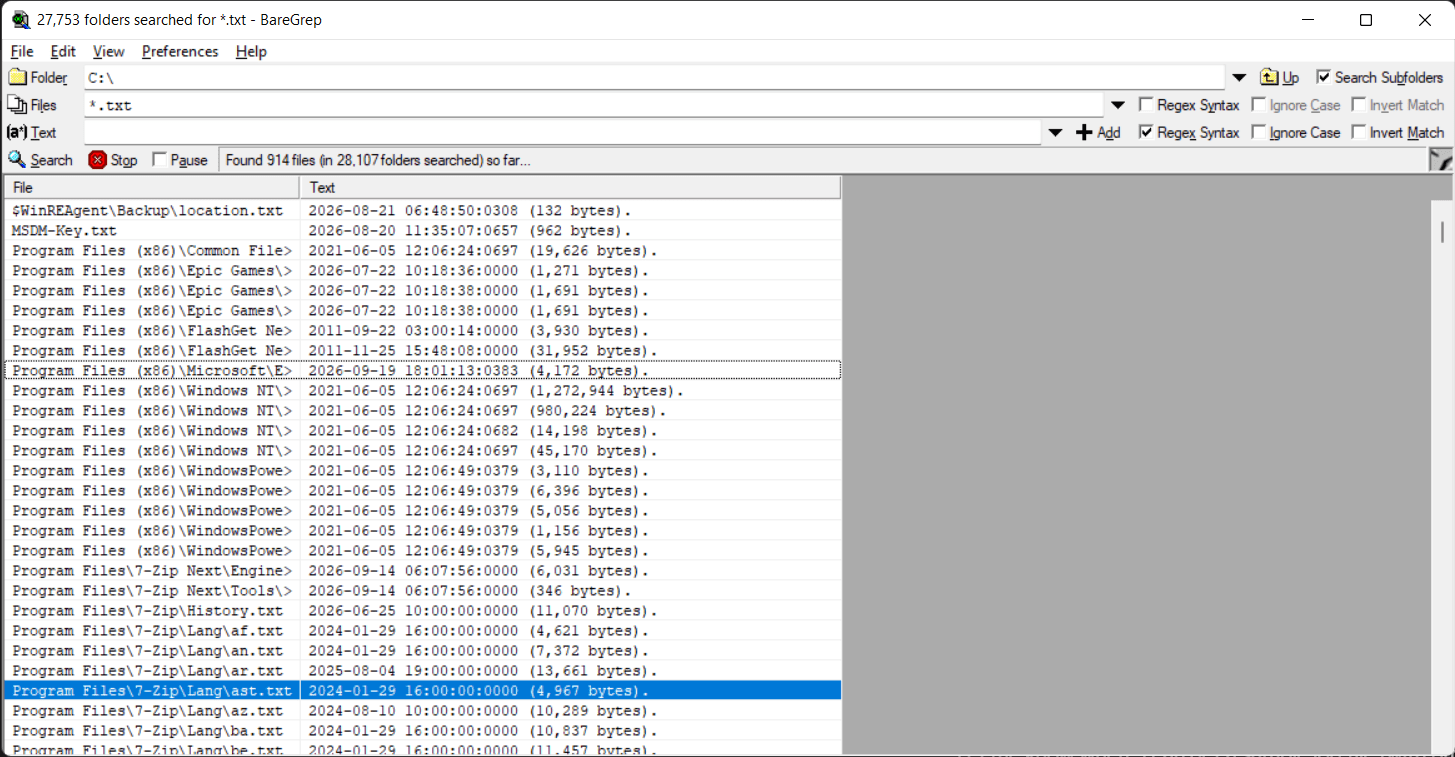
BareGrep, developed by Bare Metal Software, is a file search utility that brings the immense searching power of the legendary Unix grep command to a visual, windowed interface on Windows. For developers, system administrators, and data analysts who need to go through thousands of text or binary files to find a specific string of code or text, BareGrep is an invaluable tool.
Built for speed and portability
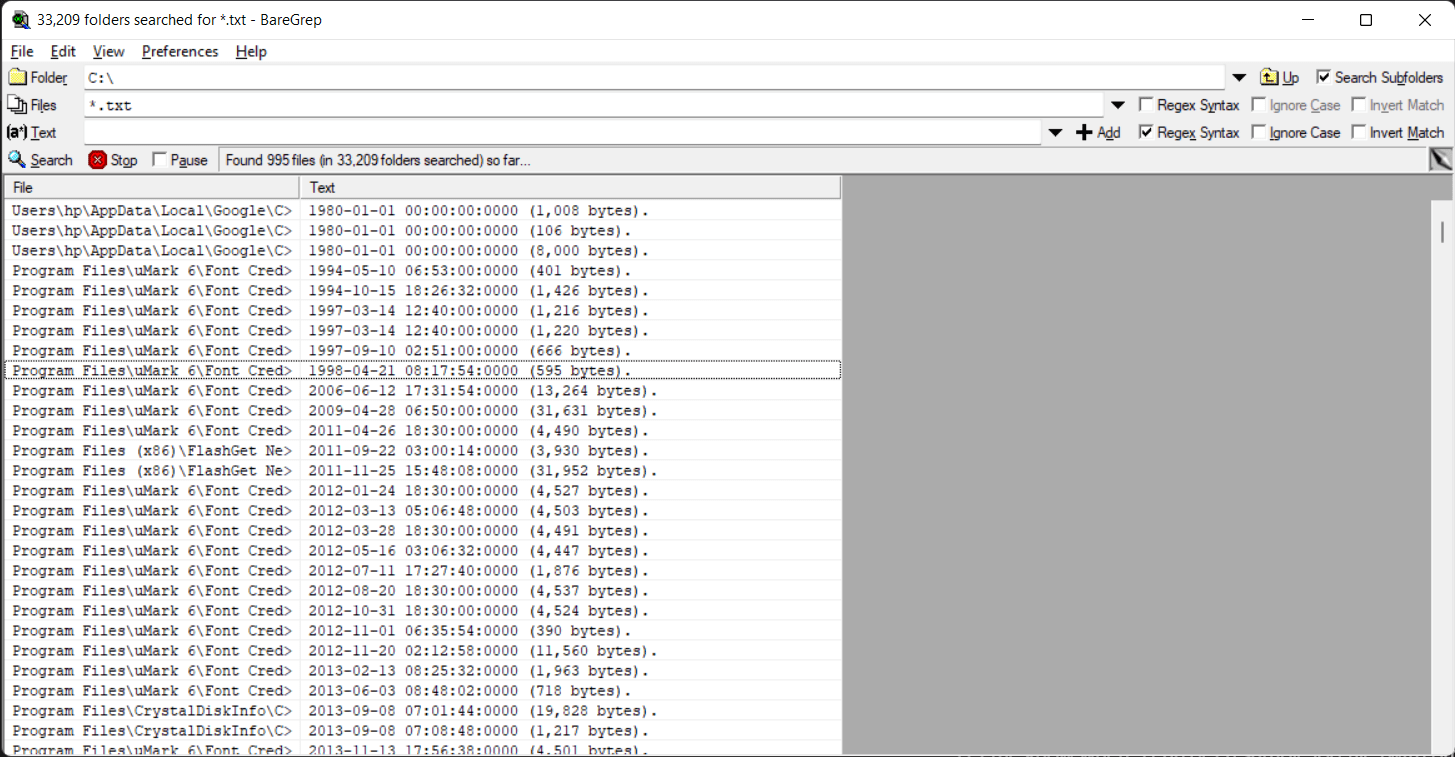
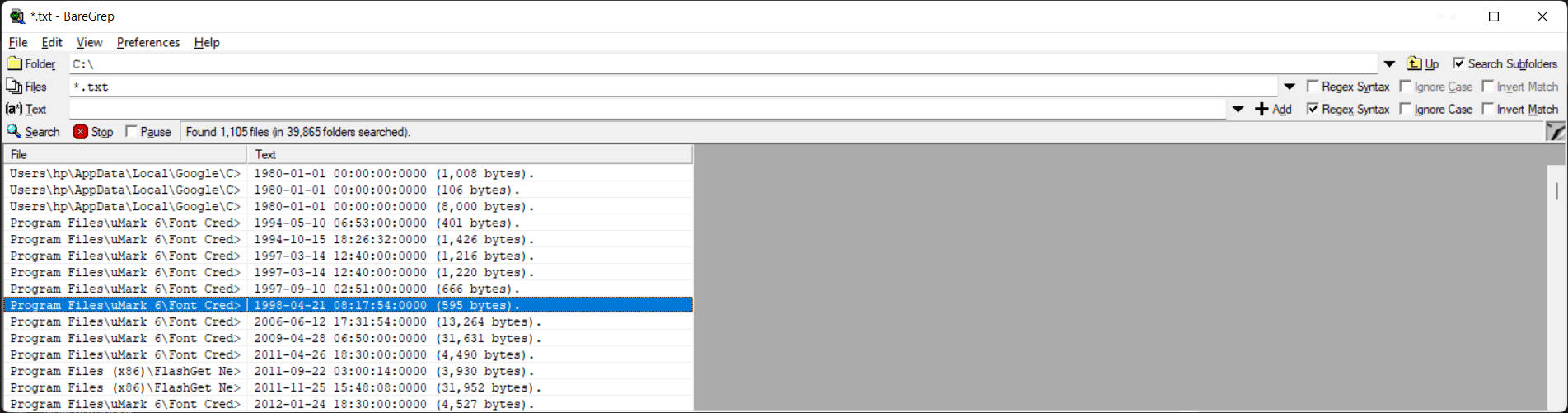
While there are command-line tools that require memorizing syntax to run searches and parse outputs, BareGrep provides a real-time, tabular presentation of your search and works quite quickly. It is designed for sheer speed and portability. Distributed as a single, tiny executable file, it requires no installation and leaves zero system footprint. You can run it directly from a USB drive to quickly audit logs or search source code directories on any PC.Incremental regex searching
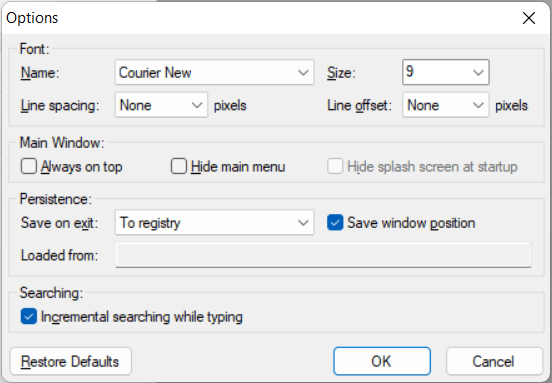
One of the best parts about BareGrep is that it updates its search results dynamically as you type the specific string of text you want to find. It is quick and provides immediate feedback, allowing you to rapidly construct correct regex patterns without having to repeatedly execute the search.Tabular data presentation
BareGrep organizes search results into a clean, resizable table. You can sort the output by filename, line number, or the matched text, making navigation through massive datasets incredibly easy.Capturing groups in columns
For advanced users, the application presents strings matched by capturing groups in separate, sortable columns. This allows for complex data extraction right there.Should BareGrep be in your IT toolkit?
BareGrep is highly recommended for IT professionals who need a fast, portable file-searching tool. It eliminates the friction of command-line grep on Windows by offering an interactive GUI. While its interface is undeniably dated, its raw performance and zero cost make it a vital diagnostic utility. The free version includes a brief startup splash screen, which the paid Pro version removes.